Are you interested in bringing a device you already own to Parrot Mobile? Great news-we support a wide variety of devices, including most modern iPhones and Androids.
Our network supports 4G LTE, 5G NSA (non-standalone), and 5G SA (standalone) on compatible devices, as well as eSIM on devices that support it. Make sure your phone is carrier unlocked before activating, since only unlocked, compatible devices can be used on our network.
To check if your device is supported, please follow the steps I've included below.
Check your device’s compatibility
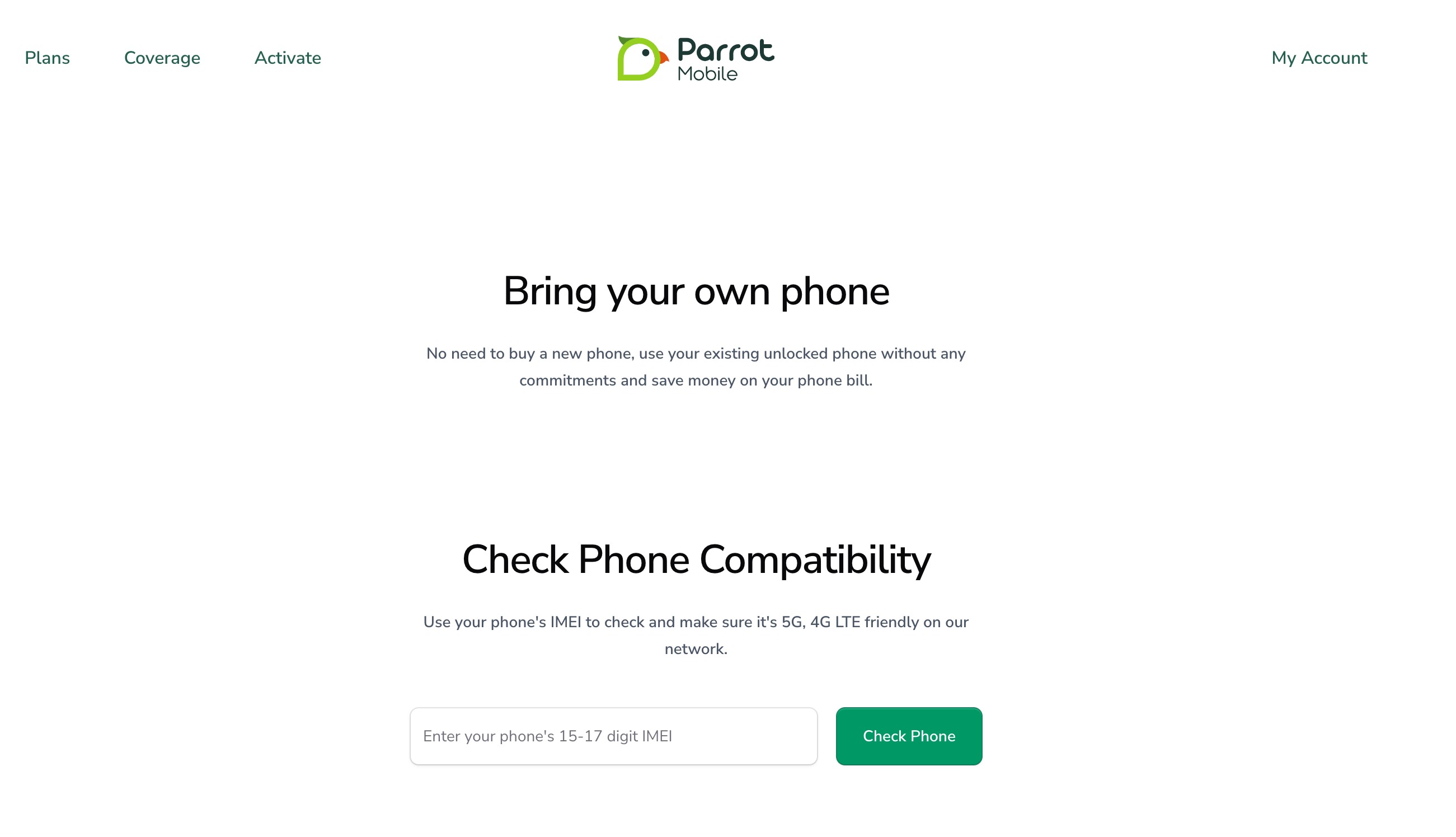
Our online compatibility checker can help you determine whether your device is compatible with our network. You will be prompted to enter your device’s IMEI number.
Locate your device’s IMEI (International Mobile Equipment Identity)
Dial
#06#on your device (just as if you were making a call) and the IMEI will instantly display.iPhone: Go to Settings → General → About.
Android: Go to Settings → About Phone → Status → IMEI information.
Still have your phone’s box? The IMEI should be located on the side of the box.
Confirm Compatibility
After you enter your device’s IMEI on the Bring Your Own Phone page, you will see confirmation of your device’s compatibility. If successful, you will receive additional instructions on how to get started with Parrot Mobile.
Was this article helpful?
That’s Great!
Thank you for your feedback
Sorry! We couldn't be helpful
Thank you for your feedback
Feedback sent
We appreciate your effort and will try to fix the article